Getting started
Your documents
Once documents are uploaded they are added to your list and will then be processed by AI. This is indicated by the ‘In progress’ label in the status column.
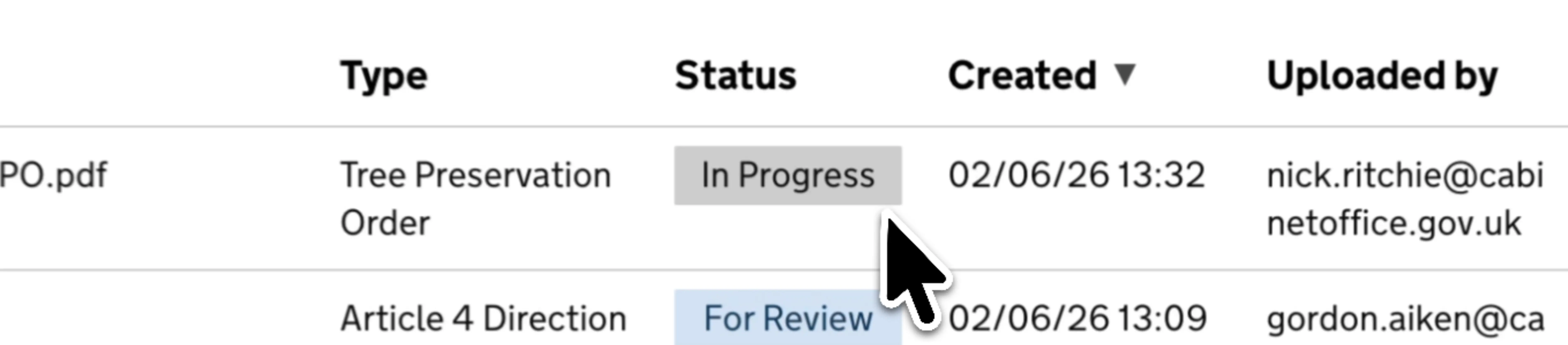
Once the processing is complete this label will change to ‘For Review’ at which point they are ready to be reviewed. Until processing is complete you will not be able to click through, when complete the ‘Name’ column will be populated with a clickable link.
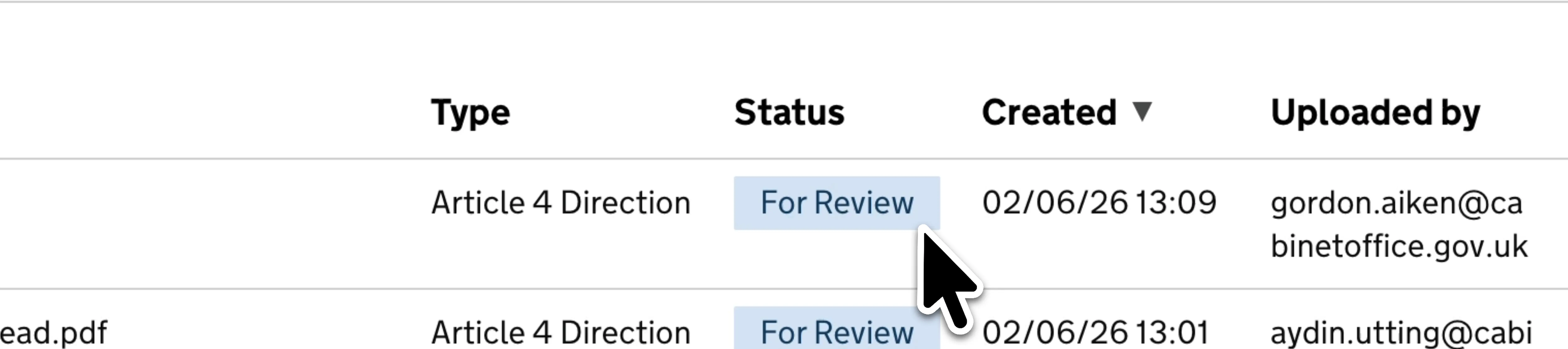
If there is a problem with processing the label may switch to ‘Failed’. In this scenario a ‘Rerun’ button will appear to the right, clicking this may achieve success but it may be that there are issues with the document itself that Extract cannot solve.
Once you have reviewed (and edited if necessary) your documents, this status will change to ‘Complete’

Other aspects of the documents list should be self explanatory but worth highlighting that documents are organised by type and Extract is a shared workspace within your organisation so you will see documents uploaded by yourself as well as others.
Contact
If you couldn't find an answer to your question here, please contact us at extract@communities.gov.uk or reach out to us on Slack.